

Earth Online: non-stop satellite monitoring platform
Explore the only world maps combining resolution, frequency and clarity : up to 2.5m, cloud-free, updated every month.

Split & Swipe

Timelapse

4 data layers

3D vision
See how the world changes
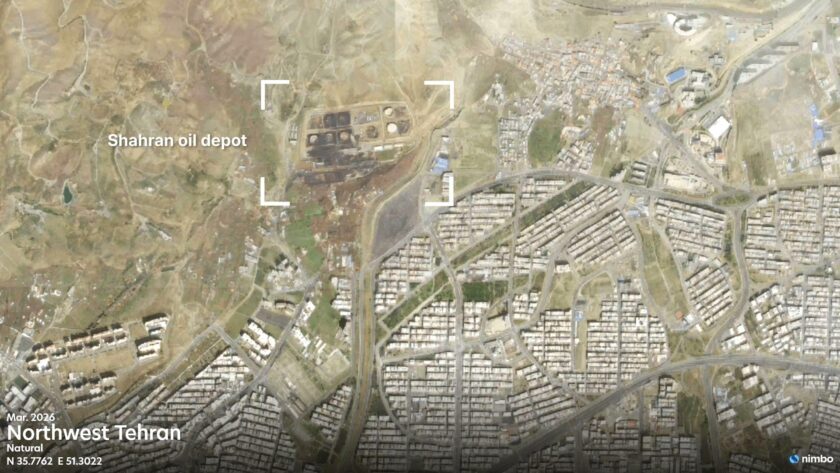
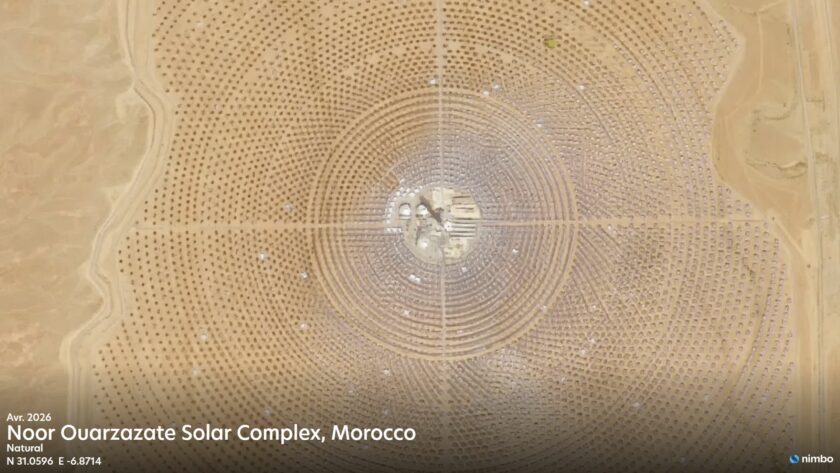
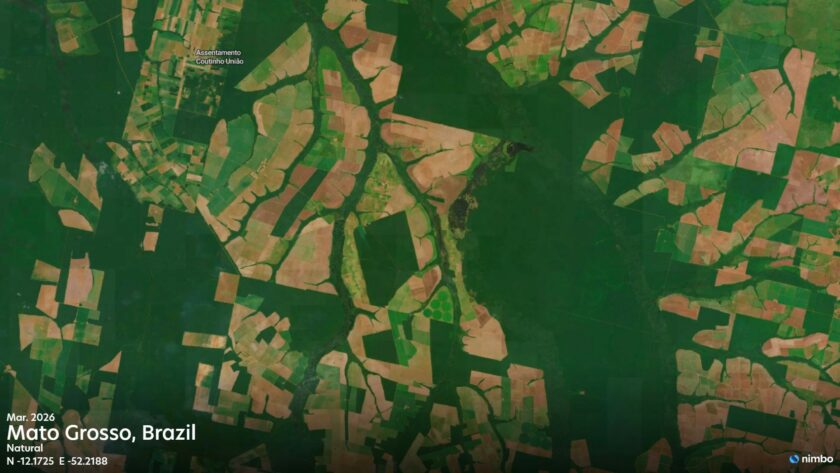
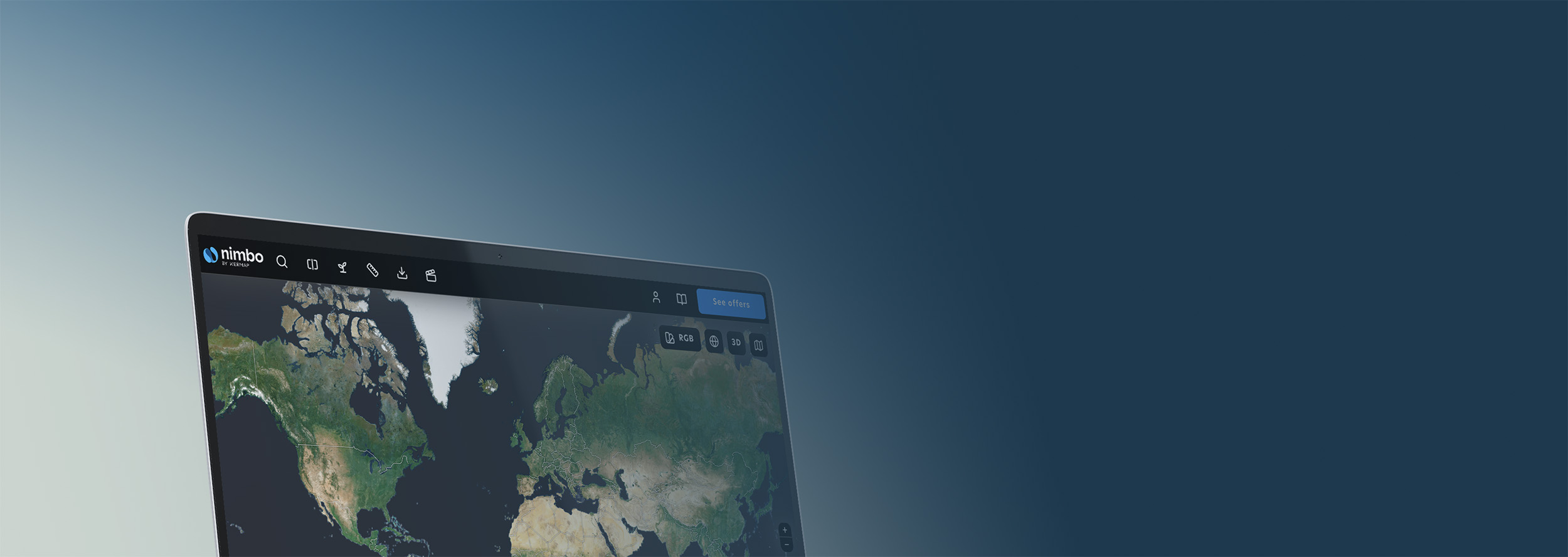
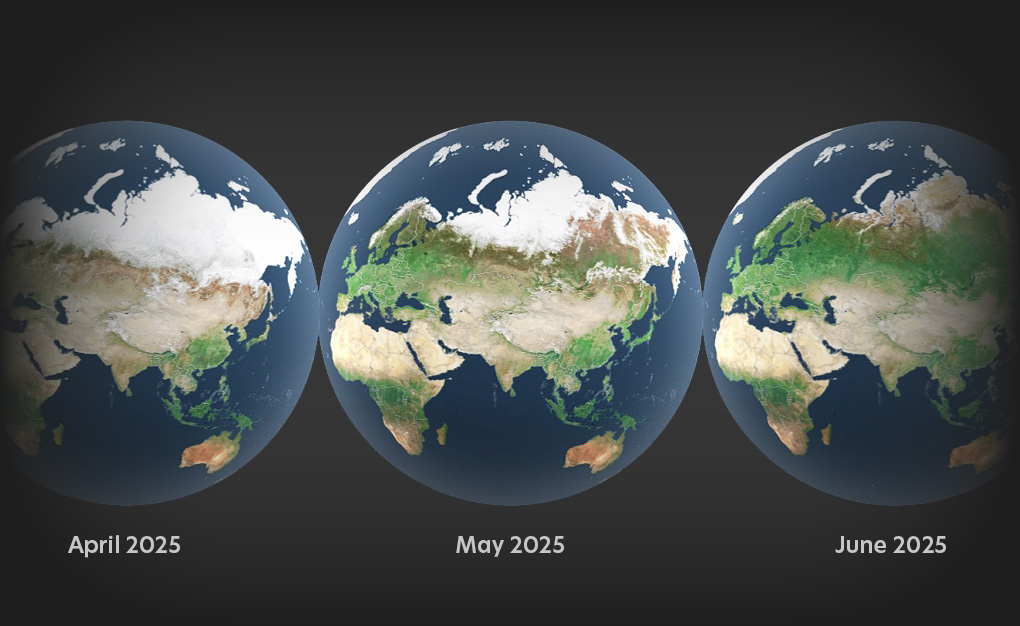
Connect to Nimbo Earth Online to explore land evolutions month after month. The only world maps letting you access up-to-date satellite imagery worldwide, without clouds, with resolution up to 2.5m per pixel.

Up to 2.5m resolution

Updated every month

User-ready, user-friendly
Reveal the full potential of satellite imagery
4 synthetic layers updated every month, created in-house from Sentinel 1 and Sentinel 2 satellite images. Just select your layer in Nimbo Earth Online to visualize hidden information: water stress, vegetation health or wildfire scars with Infrared and NDVI.
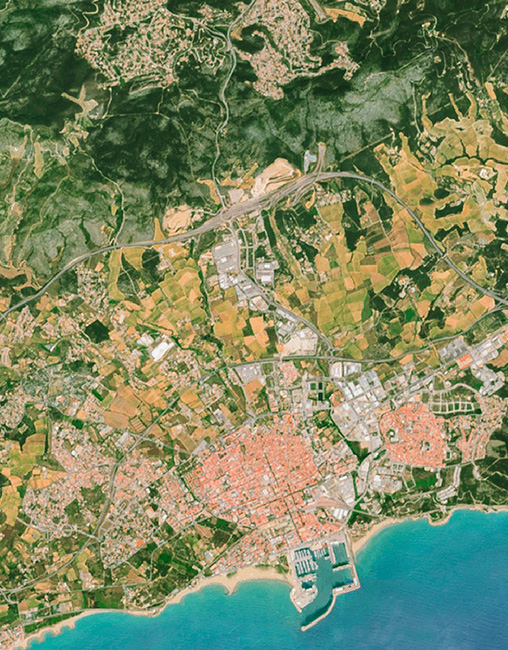
Natural Colors
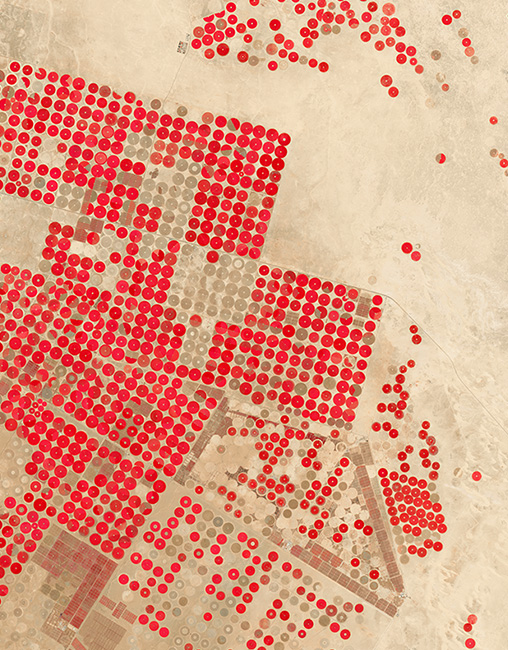
Infrared
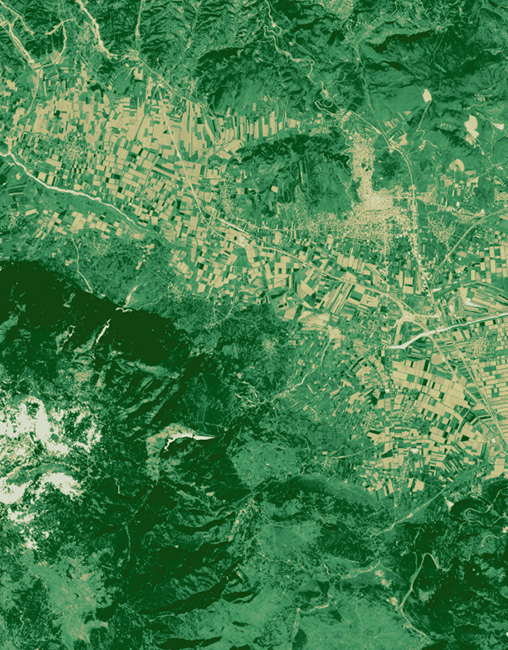
Vegetation index (NDVI)
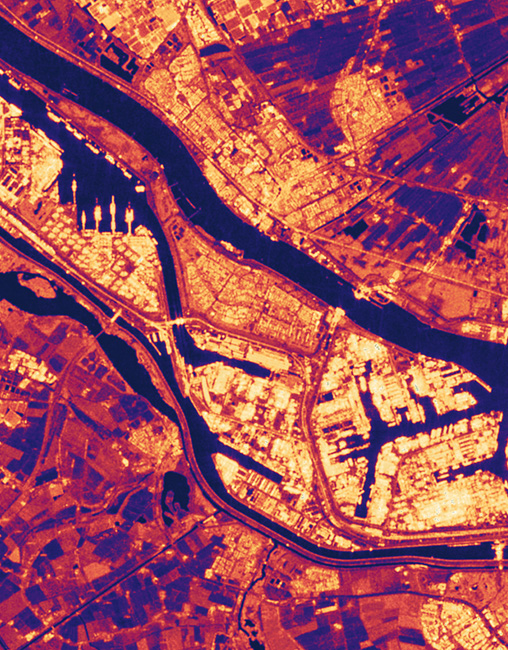
Radar
At last, recent world maps in easy access
Nimbo Earth Online opens a living window onto the most current satellite imagery of our planet.
Every view is built from up-to-date satellite images refreshed monthly, reflecting the Earth as it evolves.
As you move across regions, cloud-free mosaics provide seamless, globally consistent coverage
Advanced in-house graphic harmonization keeps colors stable and transitions smooth, creating imagery that remains visually coherent over time.
Because each monthly update integrates naturally into the previous ones, change becomes immediately visible as you explore.
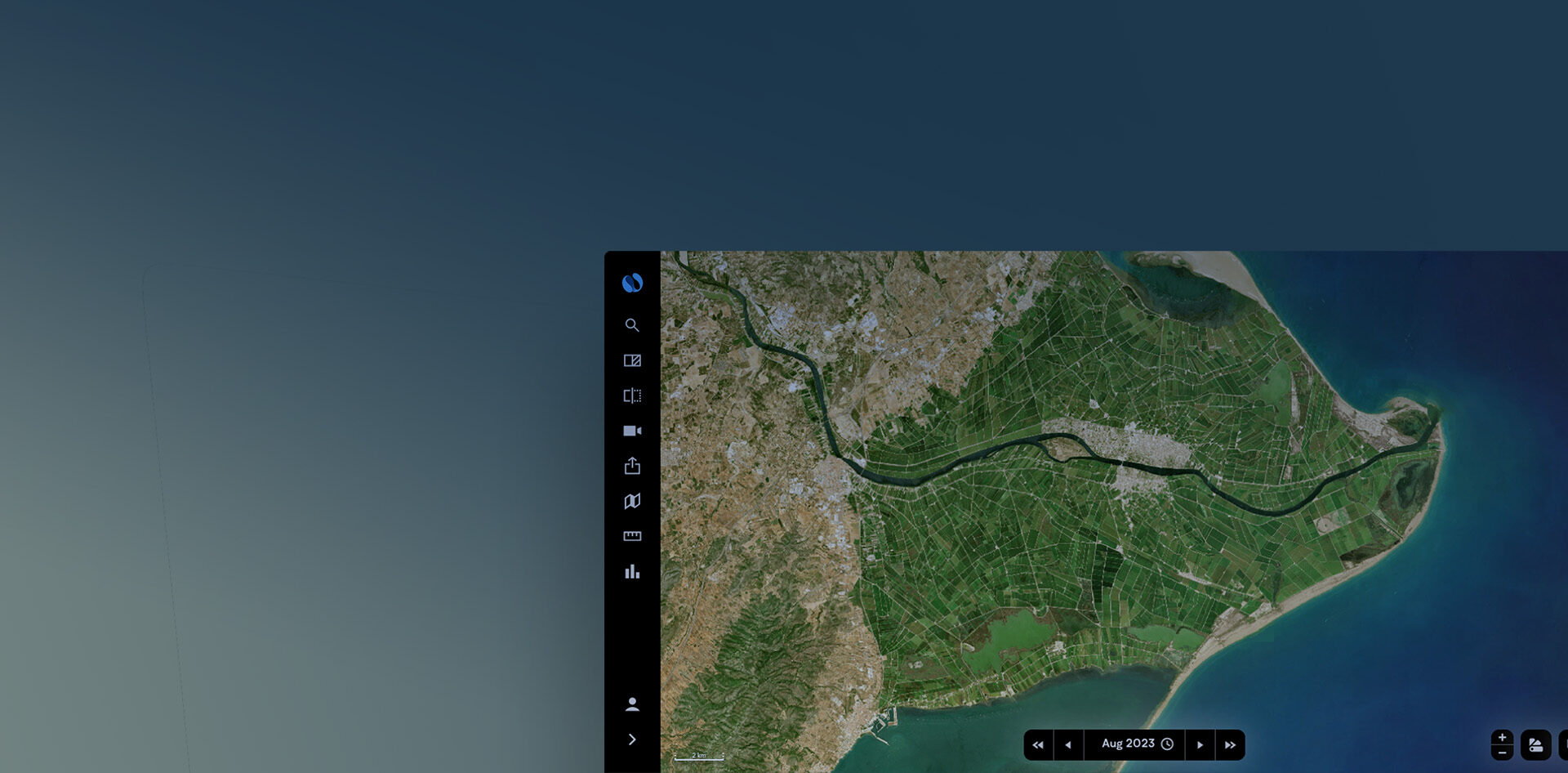
Navigation stays fluid at every scale, supported by an interface designed for simple, intuitive exploration.
Multiple layers deepen observation, from natural color imagery in 2.5 m and 10 m resolution to infrared views and NDVI indicators.
A global 3D environment restores terrain and spatial depth, making landscapes easier to interpret.
Throughout the experience, one principle guides everything: providing imagery that is really up-to-date. That’s why Nimbo Earth Online is the only Earth observation platform delivering continuously updated maps of the world at high-resolution.
Keep an eye on land evolutions
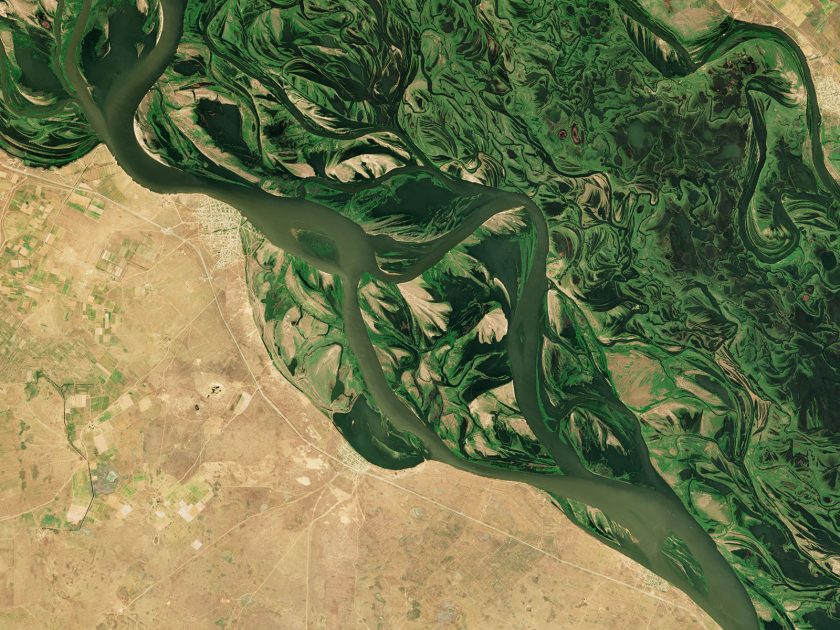
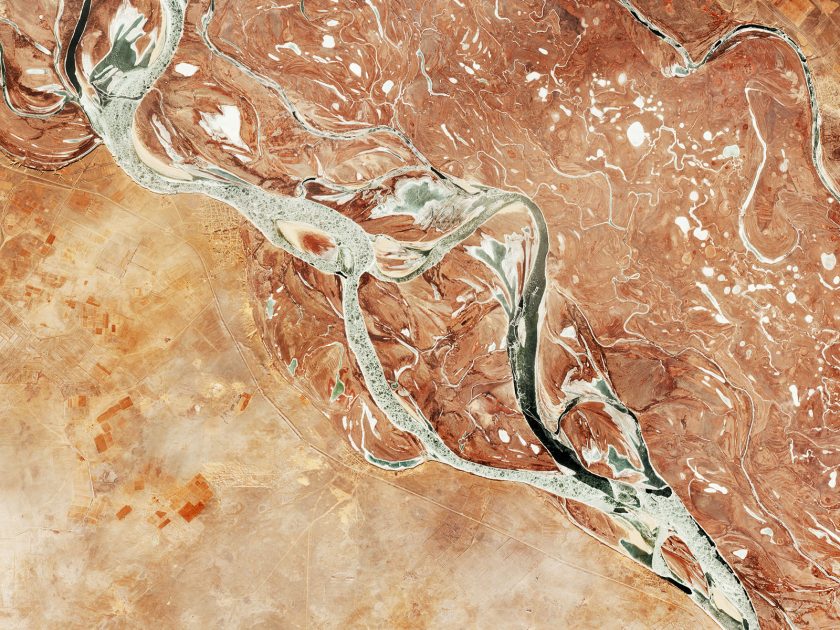
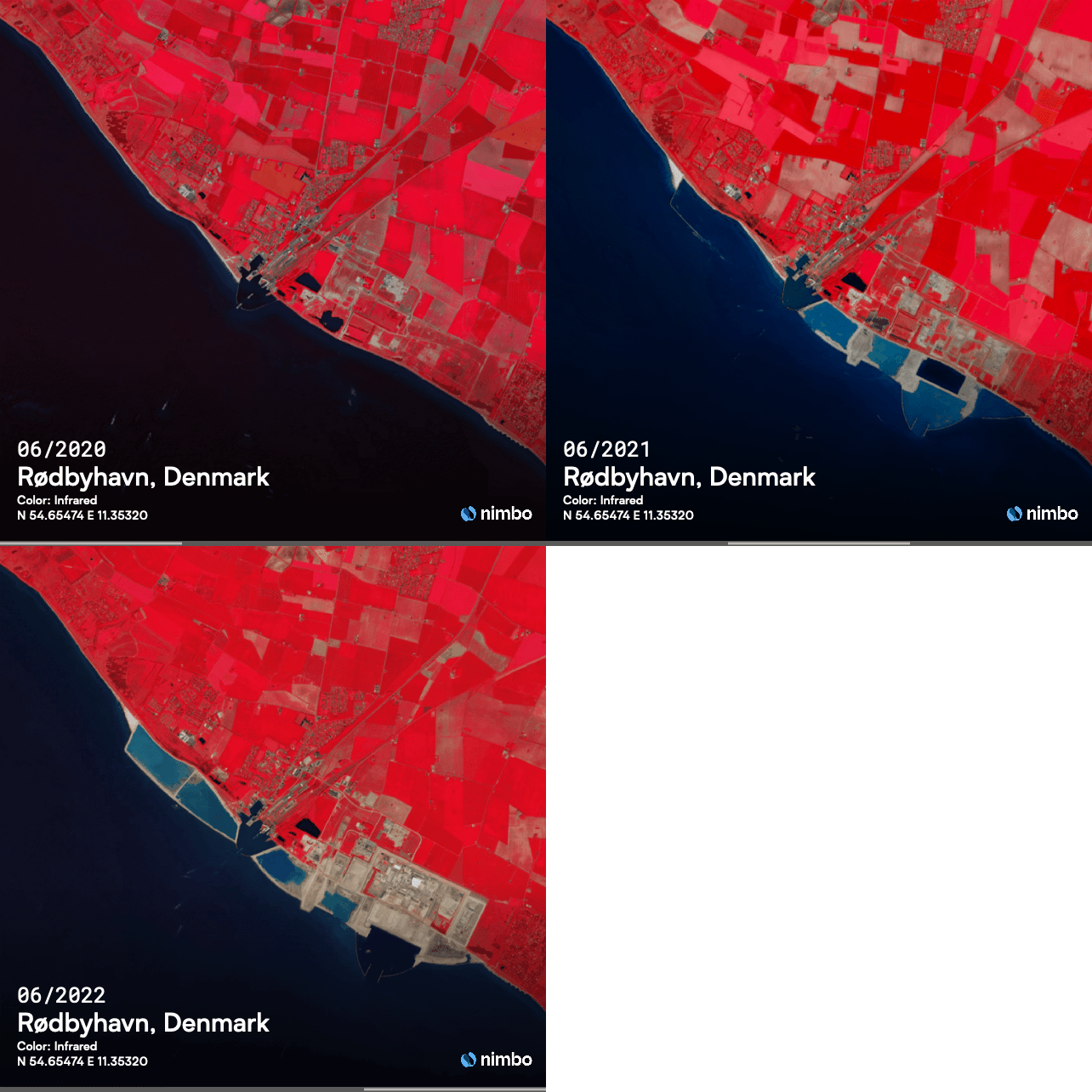
Explore land evolutions using the Split and Swipe features.
Anywhere in the world, on a monthly basis, user-friendly tools to immediately spot accidental or seasonal changes.
The smartest way to track changes
Nimbo Earth Online is designed to make temporal comparison effortless. Any location can be viewed across multiple periods through simple time selection, allowing you to move instantly between successive monthly updates. Split and swipe viewing modes make differences immediately visible, placing past and present side by side within the same frame.
Because all imagery is processed with consistent graphic harmonization, colors remain stable from one date to another. This visual continuity removes distracting variations in rendering, so observed changes reflect real transformations on the ground.
Together, intuitive time navigation, synchronized comparison tools, and color-consistent mosaics make it easy to track evolution, detect change, and understand how any place develops over time.
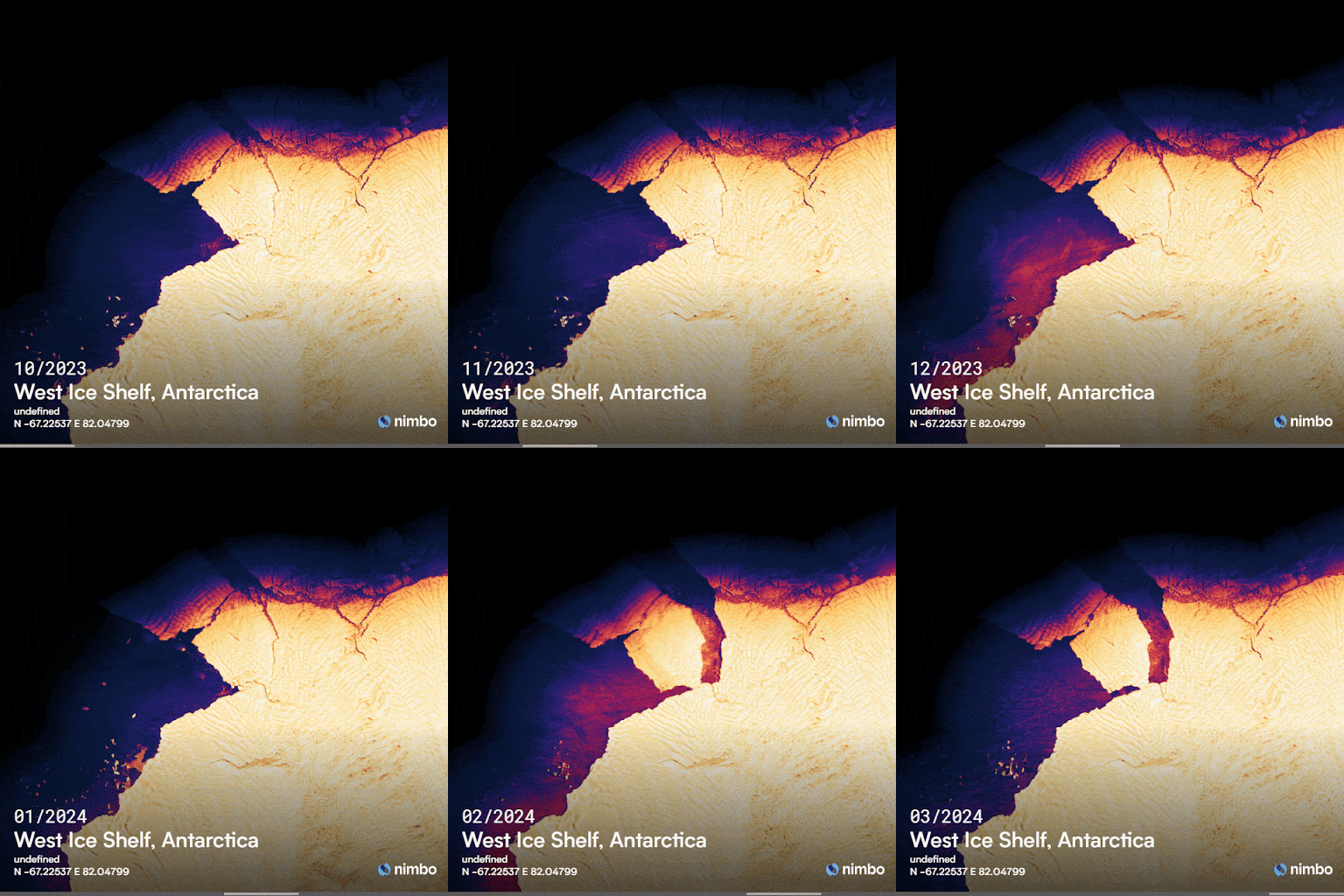
Earth timelapse as easy as it gets
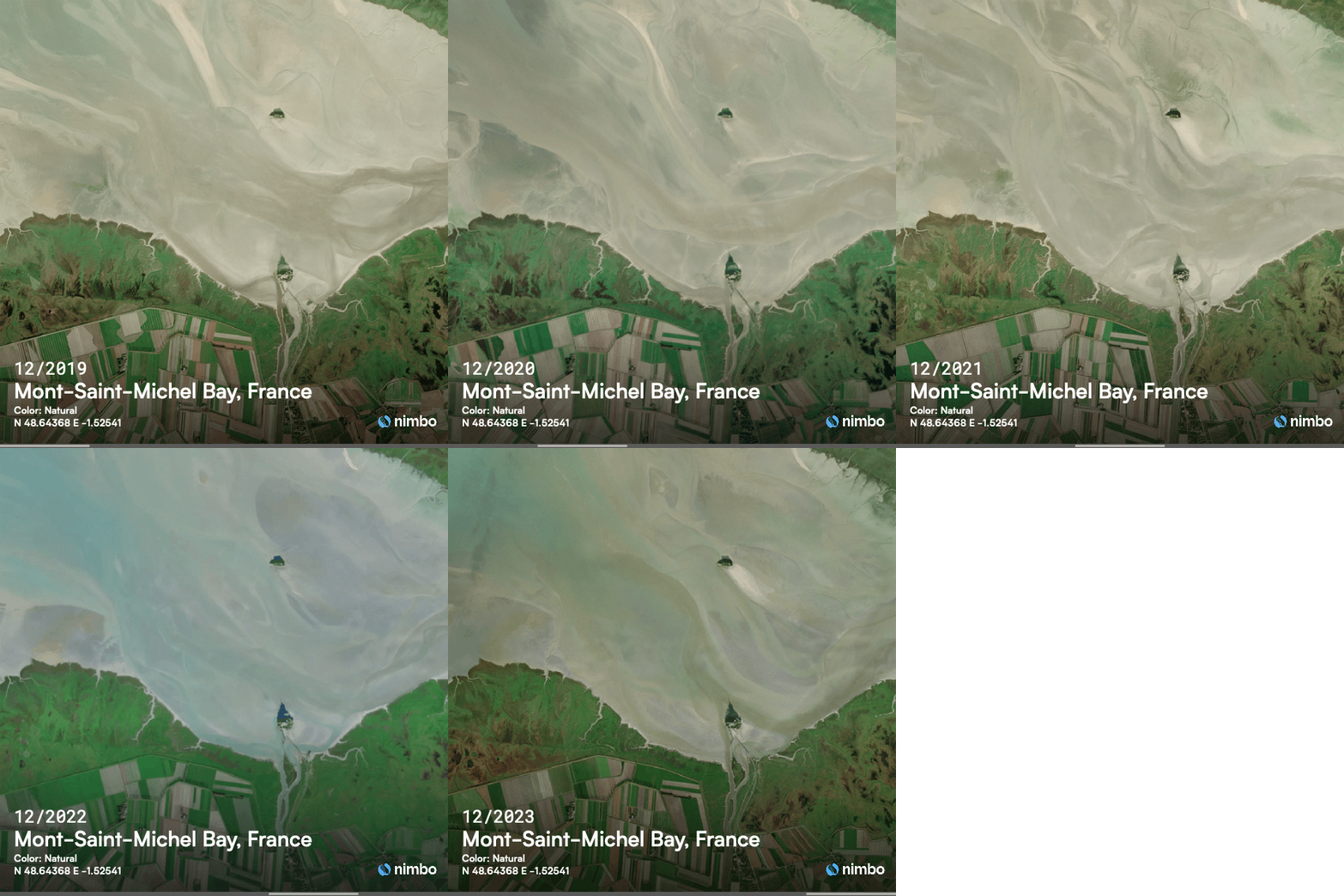
Create mind-blowing animations of land evolutions in a couple of clicks. Export, share with your communities or illustrate your articles.
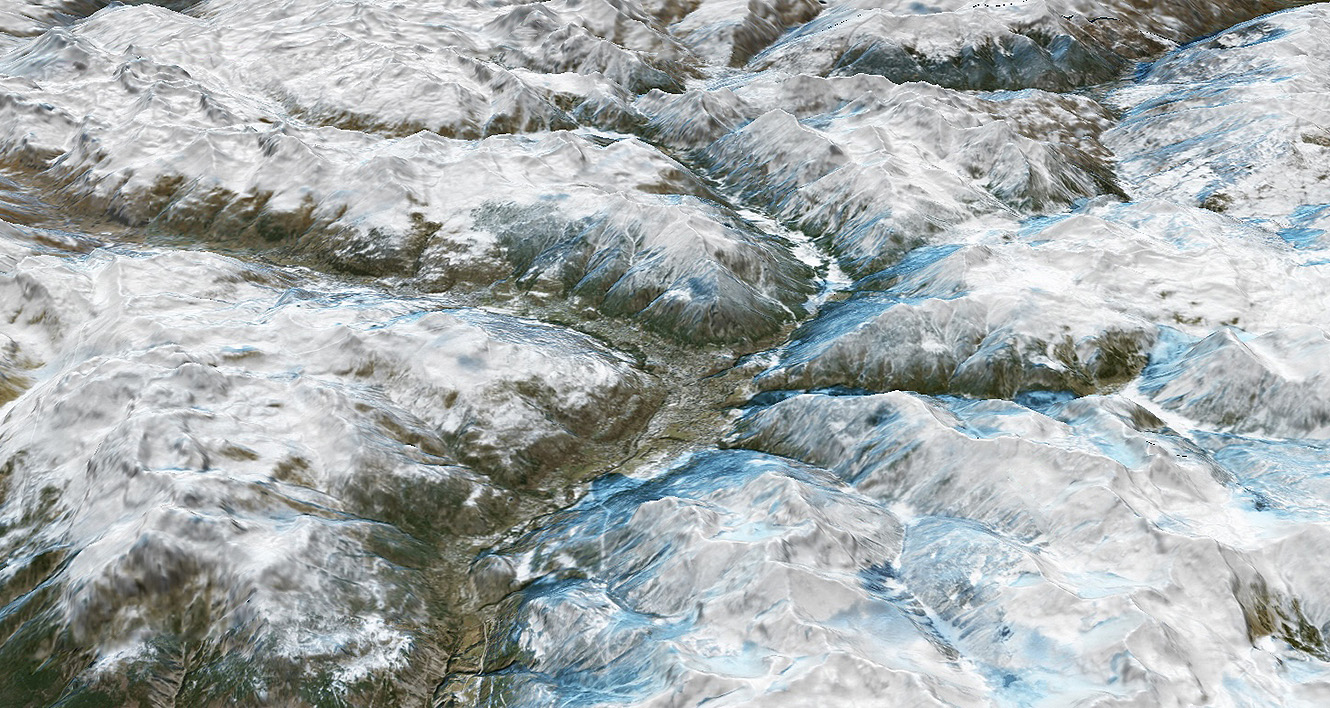
Evolutive 3D satellite maps
Toggle to 3D to watch land changes as they happen on the ground, anywhere on Earth
FAQ on Nimbo Earth Online
What are Nimbo Online Basemaps?
Nimbo Online Basemaps are satellite map layers providing a clear view of Earth, without clouds, updated every month. Our world maps are updated every month and designed for fast integration and reliable visualization in tools like QGIS, ArcGIS, and other geospatial apps via TMS/WMTS.
How often are Nimbo basemaps updated?
Nimbo basemaps are updated every month, providing a recent and reliable view of the Earth throughout the year. This regular refresh cycle helps ensure that changes on the ground are reflected quickly, while maintaining visual consistency across updates. Monthly updates strike a balance between freshness, stability, and global coverage for production platforms.
Nimbo’s historical basemap stack goes back to 2019, meaning you can analyze multi-year trends and assess evolutions over several years.
Which data layers are available?
Each monthly basemap includes multiple layers:
RGB (natural colors), Infrared, NDVI (vegetation health), Leaf Area Index, Radar reflectance, and a Digital Elevation Model (DEM).
What is infrared satellite imagery ?
There are a lot of applications for infrared imagery based on thermal detection, especially useful to track vegetation and water presence. Nimbo Earth Online provides an infrared view of the whole world’s landmass, updated every month: a different perspective to watch land evolutions… Learn more on infrared imagery
What is NDVI and what does it tell ?
Among satellite data used for vegetation monitoring, NDVI is perhaps the most common. NDVI stands for Normalized Difference Vegetation Index, which proves essential in many fields for the information it provides on vegetation health and its evolution. Learn more on NDVI
Can I get free satellite images on Earth Online ?
Earth Online lets you access all our monthly mosaics since October 2019 through our webplatform, for free. For everyone to be able to navigate our maps, though, we have introduced a system of geocredits. When you create your free account, you are automatically provided with 4 000 geocredits, renewed every month. Learn more
What are geocredits and how do they work ?
Geocredits are a usage measure for how much you interact with the basemap streams (e.g., navigation, zoom, downloads). Every time you request a map tile (via TMS, WMS or WMTS), you spend one GeoCredit.
That’s it : 1 tile = 1 GeoCredit. Each subscription tier comes with a monthly geocredit allowance. Learn more on Nimbo Geocredits.
How can I create a Nimbo account ?
In order to create your Nimbo account, just head to our Earth Online platform, fill in the short subscription form, confirm your e-mail, then log in.